
Download the correct unsigned package
Choose the arm64 package for Apple Silicon or the x86_64 package for an Intel Mac. Download SHA256SUMS from the same GitHub Release and verify the selected file before installation.
Formal releases are built by GitHub Actions with provenance, but the packages are not Developer ID signed or notarized. If Gatekeeper blocks the installer, use System Settings → Privacy & Security → Open Anyway for that package. Do not disable Gatekeeper globally.
Configure while the gateway is stopped
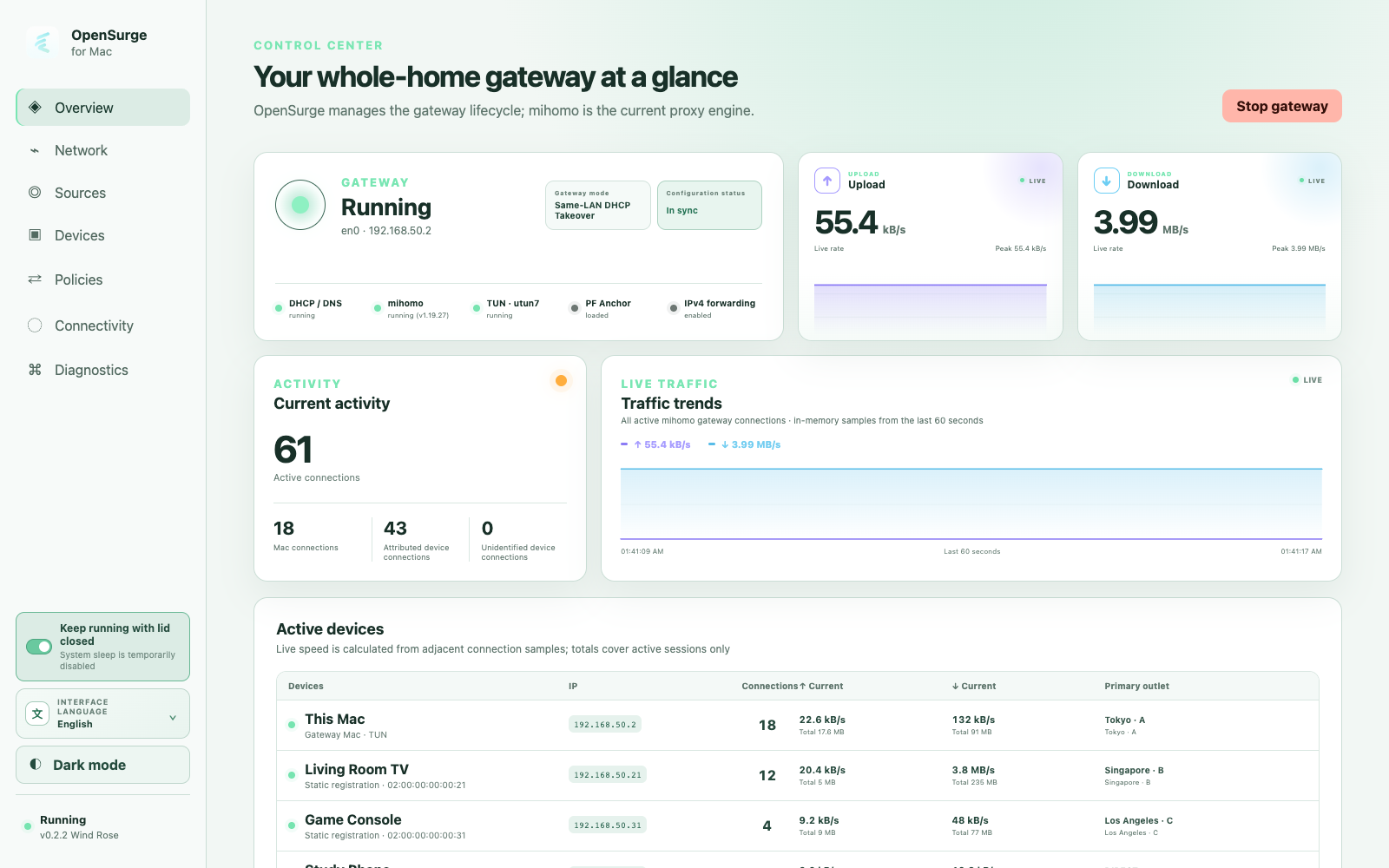
Open the menu bar app and its local Web GUI. Import a compatible mihomo profile or subscription, review network mode, and keep experimental IPv6 off for the first IPv4 acceptance unless it is the feature you are specifically testing.
- Begin with bypass-router mode for one device.
- Confirm the Mac's stable LAN address.
- Register the test device's stable IPv4 identity.
- Apply configuration, then start the gateway explicitly.
Verify the client path and stop cleanly
From the downstream client, confirm gateway, DNS, hostname resolution, HTTPS reachability, and connection visibility. When the test is complete, stop OpenSurge through the control plane and confirm the expected network service is restored.
FAQ
Questions people ask before changing the network
Are the release packages signed and notarized?
No. Current public packages are explicitly unsigned. Verify SHA-256 checksums and GitHub build provenance, then use the per-package Gatekeeper override if you trust the release.
Does opening the app immediately start the gateway?
No. Installation starts the local helper and control service, but the gateway remains stopped until you explicitly start it from the control plane.