
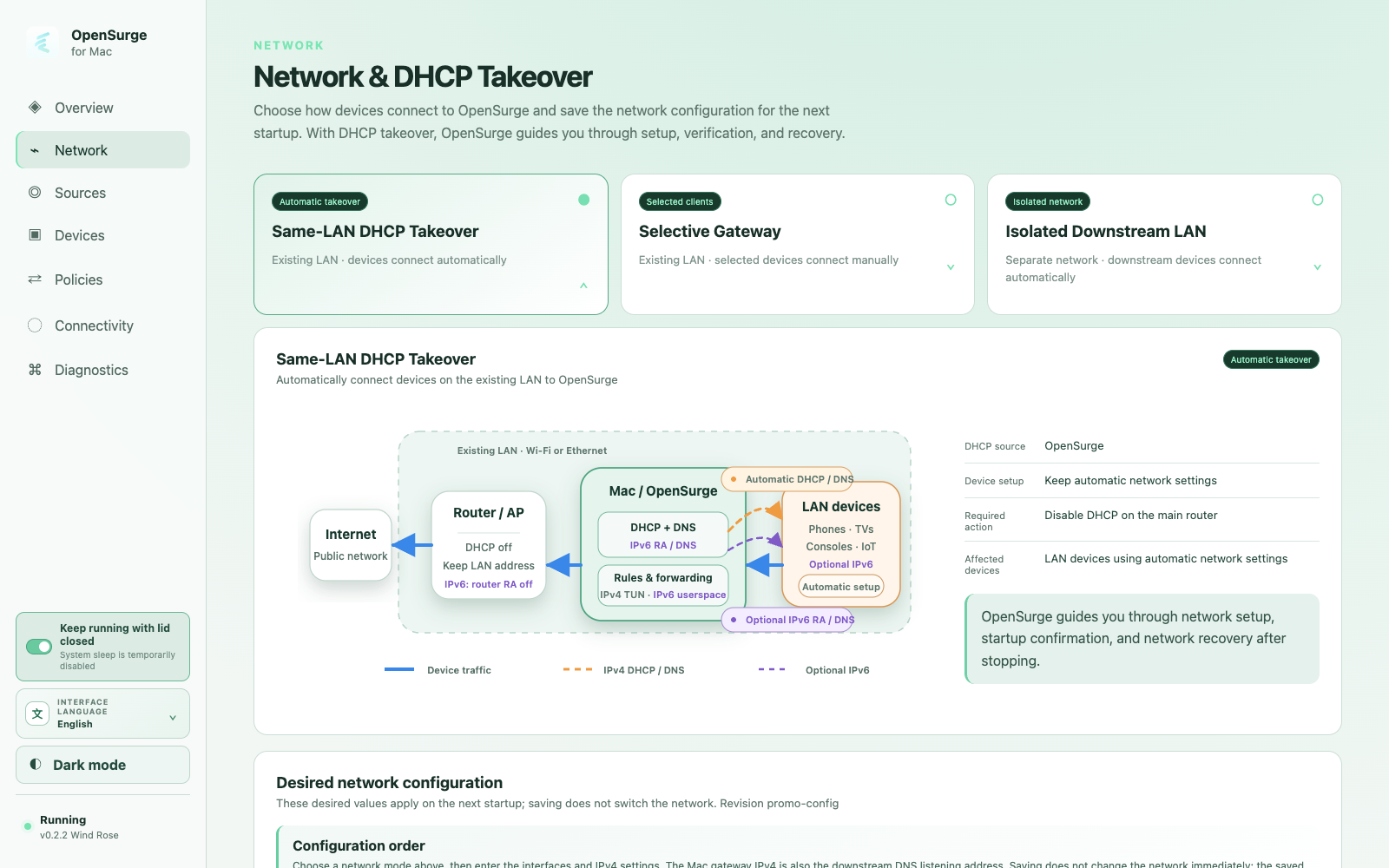
Prove the topology before enabling takeover
The Mac and test device must be on a network where the device can reach the Mac directly. Confirm the Mac's ordinary upstream connection first, then confirm both devices share the expected IPv4 subnet and can communicate.
- Give the Mac a stable LAN address.
- Keep the router DHCP service enabled.
- Reserve or manually assign a stable IPv4 address to the test device.
- Set that device's gateway and DNS to the Mac address.
Register the device and choose its egress
Open the local Web GUI from the menu bar app, register the device by its stable IPv4 identity, and initially let it follow the gateway rules. A dedicated selector can be introduced after baseline connectivity works.
Accept the path from the client outward
Verify the device is using the Mac as gateway and DNS, resolves a real hostname, reaches an HTTPS service without an explicit proxy, and appears in OpenSurge connections with the expected mihomo outbound chain.
If any layer fails, stop at that layer. A green dashboard alone does not prove that the downstream device used the gateway path.
FAQ
Questions people ask before changing the network
Can the Mac stay connected to the router over Ethernet?
Yes. What matters is the actual layer-2 and IPv4 topology between the Mac, router, and downstream client, not whether the Mac's upstream link is wired or wireless.
Should I begin with whole-LAN DHCP takeover?
Usually no. Start with bypass-router mode and one test device. Move to DHCP takeover only when you want automatic onboarding and have a clear router-DHCP recovery plan.