
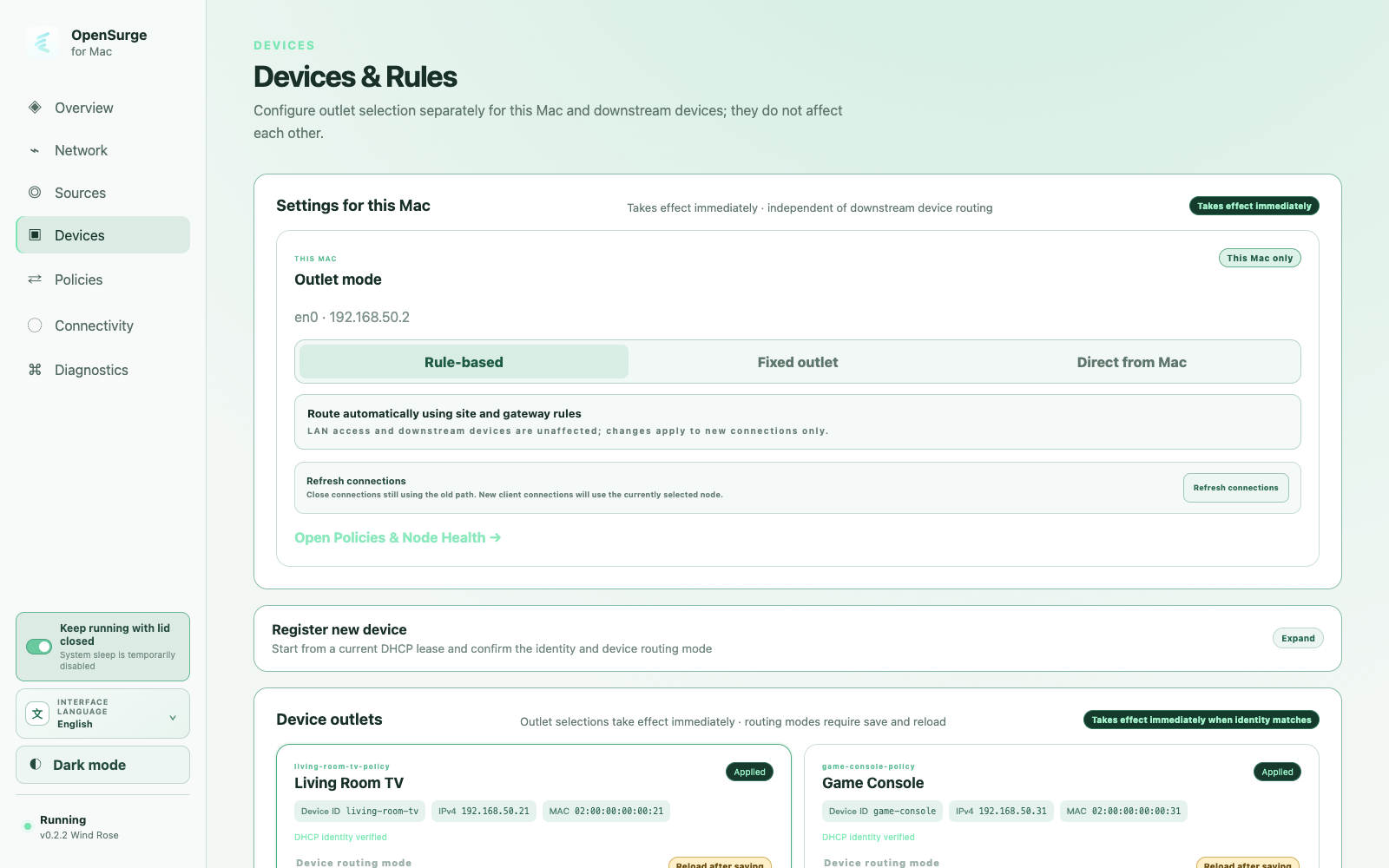
Give the console a stable network identity
In bypass-router mode, reserve a stable IPv4 address for the PS5 on the existing router and set the PS5 gateway and DNS to the Mac. In a DHCP-managed topology, OpenSurge creates a fixed lease from the console's MAC address.
Start with inherited rules, then specialize
First confirm the console can resolve names and reach the network while following the gateway rules. After that baseline passes, give it a dedicated selector with appropriate candidates for the target game region.
- Keep private and local destinations direct.
- Use a dedicated selector for public game and service traffic.
- Add targeted domain, IP, protocol, or port overrides only when evidence requires them.
- Check active connections for the actual outbound chain.
Test sessions, not only a web page
Console connectivity includes DNS, HTTPS, UDP, NAT behavior, and long-lived game sessions. A browser-like probe cannot prove all of them. Test the account sign-in and one real game session, then compare OpenSurge connection evidence with the selected policy.
FAQ
Questions people ask before changing the network
Does the PS5 need an explicit proxy address?
No. In the gateway path it uses ordinary IP networking and points its gateway and DNS to the Mac, or receives those settings from OpenSurge DHCP.
Will a dedicated selector proxy local console traffic?
OpenSurge keeps local and private destinations direct in dedicated mode. Public destinations are evaluated by the console-specific policy.